 English
 中文简体
中文简体 Español
 عربى
عربى

In plastic cup production, print quality depends not only on machine configuration but also on the condition of components throughout daily operation. Ink residue, dust accumulation, worn fixtures, and inconsistent adjustments can gradually affect printing results. When these issues are discovered only after defects appear, production teams may need to stop the line, inspect affected cups, and repeat setup procedures. A planned maintenance routine helps manufacturers identify potential problems earlier and maintain more predictable production conditions.
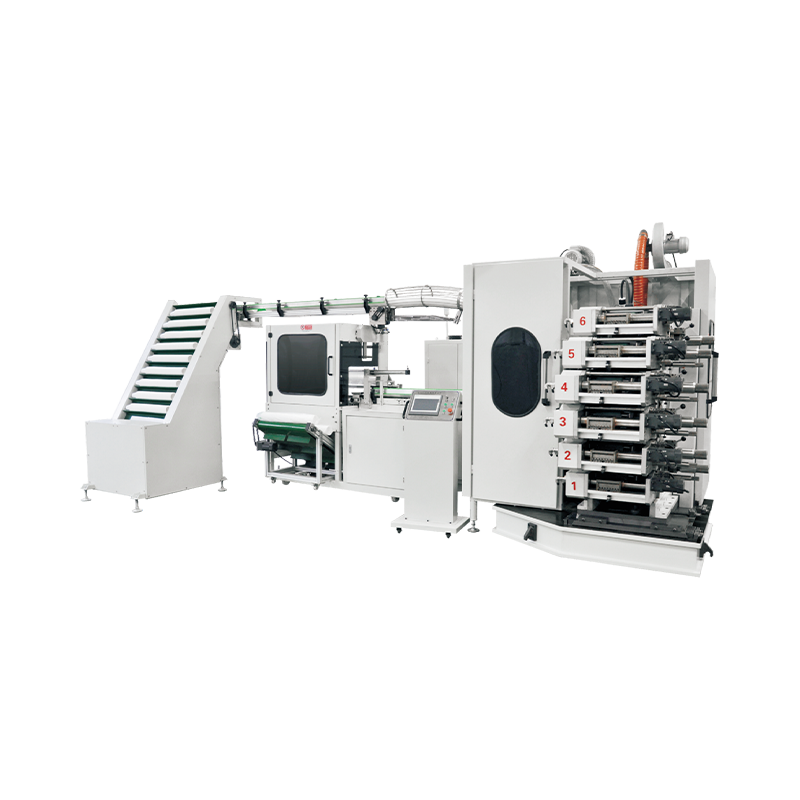
Keep Printing Components Clean
Ink residue and accumulated debris can interfere with contact surfaces, cup positioning, and the movement of printing components. Over time, these conditions may contribute to uneven coverage, unwanted marks, or inconsistent artwork placement.
Cleaning procedures should reflect the machine’s printing method, ink system, and component materials. Operators should use suitable cleaning materials and follow the equipment instructions instead of applying solvents indiscriminately. Sensitive parts should be handled carefully to avoid damaging surfaces or changing component alignment.
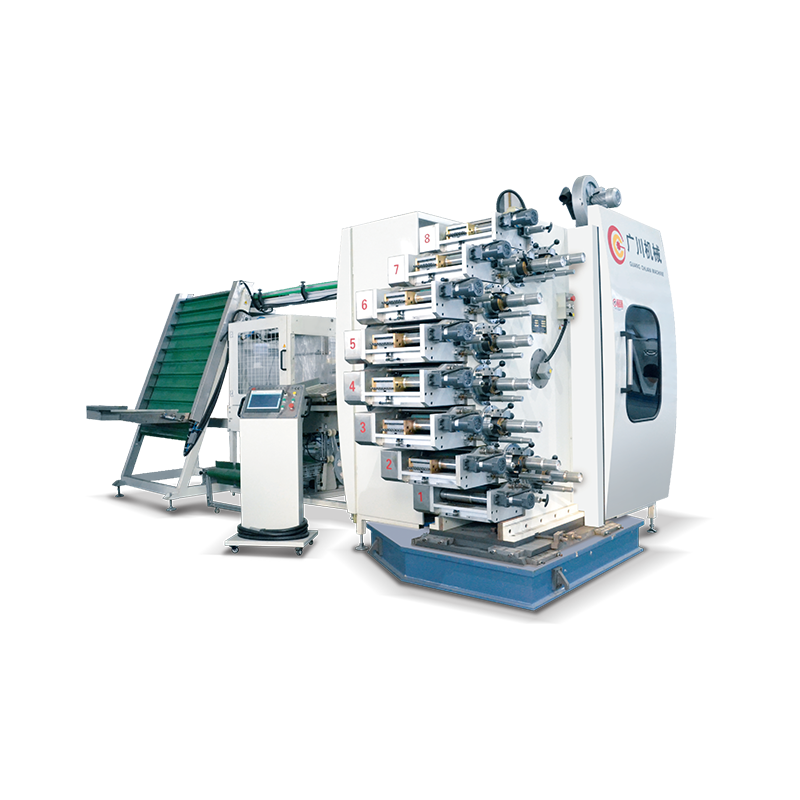
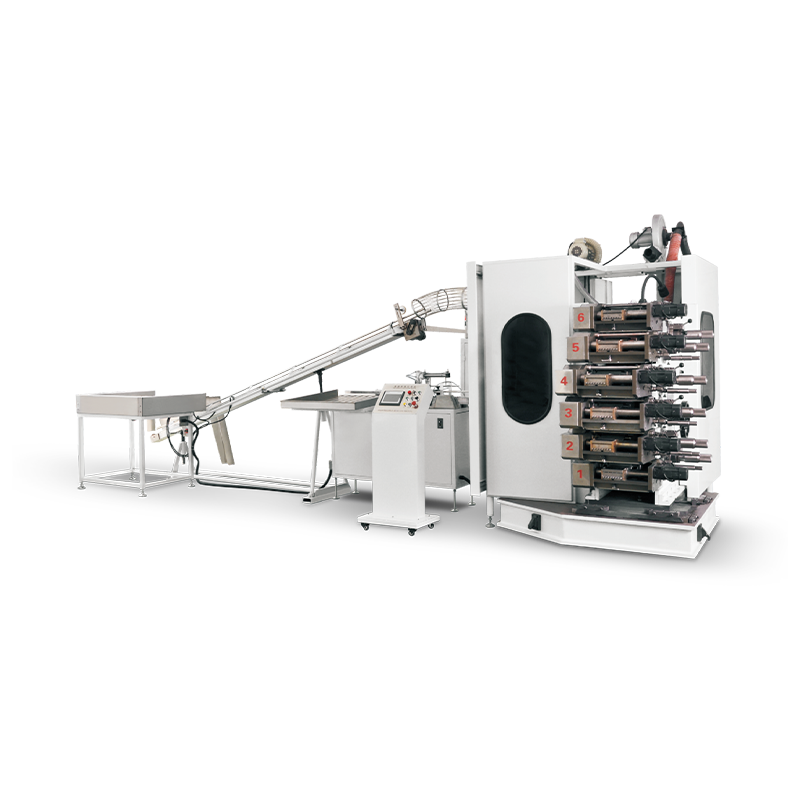
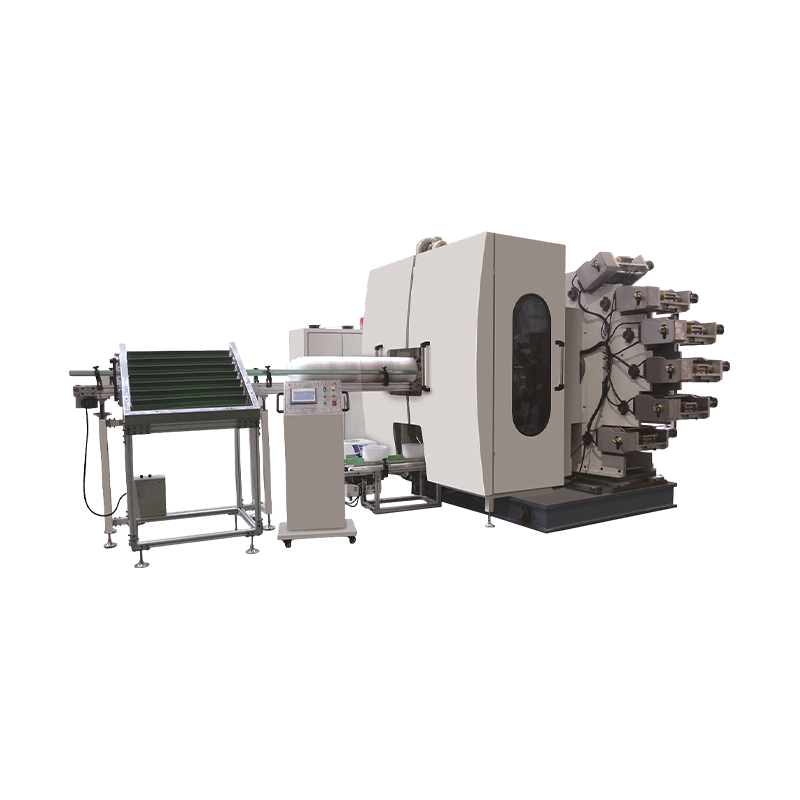
For a Plastic Cup Printing Machine Manufacturer, making cleaning access practical is an important design consideration. Clearly identified cleaning points and straightforward maintenance instructions can help operators complete routine tasks without unnecessary disassembly.
Inspect Fixtures and Positioning Components
Cup fixtures and positioning mechanisms help keep each cup in the intended location during printing. If a fixture becomes loose, worn, or contaminated, the cup may not remain properly aligned, affecting print registration and repeatability.
Operators should inspect these components at suitable intervals and after adjustments or tooling changes. Particular attention should be given to secure mounting, visible wear, and the fit between the cup and its support.
Manufacturers can provide inspection guidance that identifies the parts requiring regular attention. When replacement components are needed, clear part identification helps maintenance teams obtain the correct items and reduce the risk of incompatible substitutions.
Monitor Ink Delivery and Printing Conditions
Changes in ink delivery can affect color coverage and the appearance of printed graphics. Depending on the machine design, relevant components may include ink containers, transfer mechanisms, printing surfaces, and associated adjustments.
Maintenance teams should look for residue buildup, abnormal movement, leaks where applicable, and changes in print appearance. If defects emerge, operators should check the process systematically instead of changing several settings at once.
Recording the conditions associated with a defect can help identify whether the issue relates to ink preparation, component condition, machine adjustment, or the cup material. This approach makes troubleshooting more consistent and reduces unnecessary trial and error.
Check Drying Performance and Handling
Printing is not complete when the image has been transferred to the cup. The ink must reach the required condition before the product moves through subsequent handling and packing steps. Inadequate drying may lead to smearing, transfer marks, or damage during stacking.
The appropriate drying conditions depend on the ink system, substrate, and machine configuration. Operators should follow the specified process settings and check representative samples before increasing production volume.
Manufacturers should also explain which operating conditions need to be monitored and how changes should be handled. Clear procedures help production teams distinguish drying-related defects from problems originating earlier in the printing process.
Create a Practical Maintenance Schedule
A useful maintenance plan separates routine operator checks from tasks that require trained service personnel. The schedule should reflect operating frequency, environmental conditions, and the machine’s actual design.
Common checks may include:
- Removing permitted ink residue and surface contamination
- Inspecting fixtures, fasteners, and moving components
- Checking relevant electrical and pneumatic connections according to the manual
- Reviewing print samples for changes in alignment or coverage
- Recording maintenance work and replaced components
Any adjustment or repair should follow the manufacturer’s safety instructions, with the machine placed in the required safe condition before work begins.
Keep Maintenance Records Useful
Maintenance records are most valuable when they help teams make decisions. Dates, observed symptoms, completed work, and replacement parts can reveal recurring issues and help managers plan service before a problem disrupts production.
For manufacturers, feedback from customers can also highlight areas where access, instructions, or component identification could be improved. Product development can then address practical maintenance challenges rather than focusing only on initial machine performance.
Support Consistent Production Over Time
Preventive maintenance cannot eliminate every production issue, but it can help reduce avoidable interruptions and make equipment condition easier to manage. Buyers evaluating a plastic cup printing system should consider cleaning access, replacement-part availability, inspection procedures, and maintenance documentation alongside printing capability. A machine designed with practical servicing in mind gives production teams a clearer path to maintaining print consistency as workloads and order requirements change.